AmazingHiring: Summer product updates
With OpenAI dominating our newsfeeds and industry trends, the necessity for a more automated sourcing process grows daily. AmazingHiring is bringing special summer updates to ensur…
Read more7439

If you are in the business of talent acquisition, chances are you are keen to cut down time spent on manually intensive tasks. We all know, the longer the recruitment process the higher the cost.
Sometimes it can feel that sourcing strategies can be bogged down with complex tools that can take time to master.

In this guest post, we are going to share with you how you can easily search and source key talent, from developers to C-suite leaders, with PhantomBuster.
We will break down 3 use cases step-by-step to show you how seamless it can be to get started.
Here is a list of what you’ll need:
PhantomBuster is a technology company that offers data scraping and automation solutions in the form of ‘Phantoms’ available for over 20 categories online, including LinkedIn, Sales Navigator, Instagram, Facebook, GitHub and Twitter.
Users can also create advanced workflows by combining Phantoms. For example, you can use the LinkedIn Lead Generation Workflow to scrape all search results on LinkedIn and extract key data, like user emails.
If you are new to using PhantomBuster, we recommend checking out this video guide to get you up and running. You can also read our beginner’s guide which explains how our Phantoms work!
There are 3 use cases to source talent on LinkedIn.
If you are always wondering how you can better capture the essence of a complicated, niche job advert then this use case is perfect to get your creative juices flowing.
1: Connect to your LinkedIn browser and carry out a specific search of the job posts that you would like to export.
2: Open up the LinkedIn Search Export Phantom and export your search data into a spreadsheet using this Phantom.
3: Next you can individually scrape a list of job posts for ideas about what to focus on when advertising for expert or complex roles. Open up the LinkedIn Job Scraper Phantom and set it up to scrape specific posts.
The result?
You’ve saved hours of research scanning LinkedIn for a reference point for your niche job post. All that is left to do is finalize and post your position online!
LinkedIn groups are a treasure trove of informed and skilled professionals. Tap into their wealth by first joining some targeted groups and then using this approach!
1: Connect to LinkedIn in your browser.
2: Select whichever group you would like to scrape. Pop open the LinkedIn Group Members Phantom.
3: To find more detailed profile information like company names and the current role of each member, use the LinkedIn Profile Scraper Phantom.
The result?
Now you’ve extracted a highly targeted list of niche candidates who all have ties to your preferred industry.
If you are trying to source C-suite leaders, scraping high-level online events in their field of specialty is a great way to find a targeted list of talent.
Here is what to do:
1: Connect to LinkedIn in your browser.
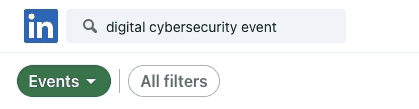
2: Search for your event field of choice. e.g. “Digital Cyber Security Event” like in the screenshot.
3: Use the LinkedIn Search Export Phantom to extract the results of your search into a spreadsheet.
4: Next, open the LinkedIn Event Guests Exporter Phantom to extract guests who are attending these events. You can set this Phantom on repeat to enjoy a fresh stream of leads over time.
5: If you want to zone in and scrape these profiles you can do so with the LinkedIn Profile Scraper Phantom.
The result?
Now you’ve assembled a list of niche candidates who all have ties to your preferred industry.
If you are looking for developer talent, GitHub is an unparalleled resource.
With this use case, we are going to show you how you can source developer talent within the GitHub repository.
Here is a strategy for gathering the top developers on GitHub.com who are actively searching for a skilled Tech job.
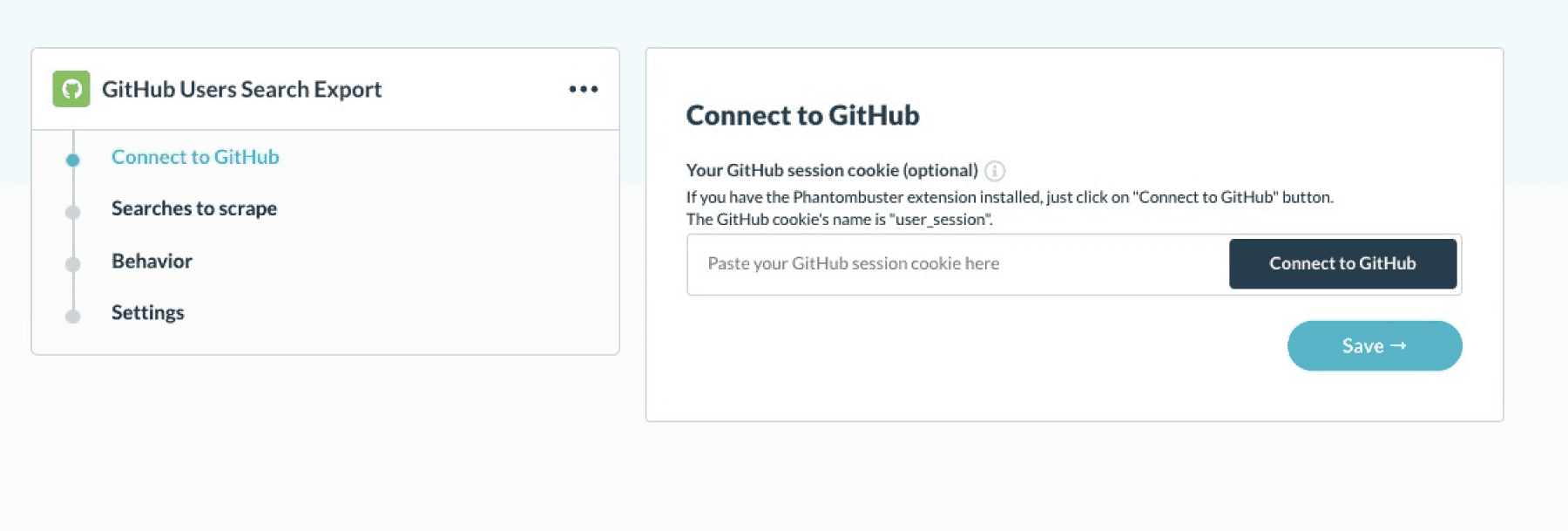
Here is what to do:
1: Carry out a talent search on GitHub, using either the search bar or using the advanced search tool. You can type in a niche query e.g. AI Developers to find talent in the user repository.

2: Next, open up the GibHub Users Export Phantom. It will scrape your search in step 1. In return, you are able to extract names, follower counts, and email addresses from GitHub.
3: If you want to source the LinkedIn profiles of these profiles you can use the LinkedIn Profile URL Finder Phantom to find their LinkedIn profiles.
4: Finally, if you wish to scrape any of these LinkedIn profiles to retrieve more data about their developer profile you can do so within seconds with the LinkedIn Profile Scraper Phantom.
The result?
Now you’ve assembled a list of niche candidates. All you need to do is now contact them and set up a meeting!

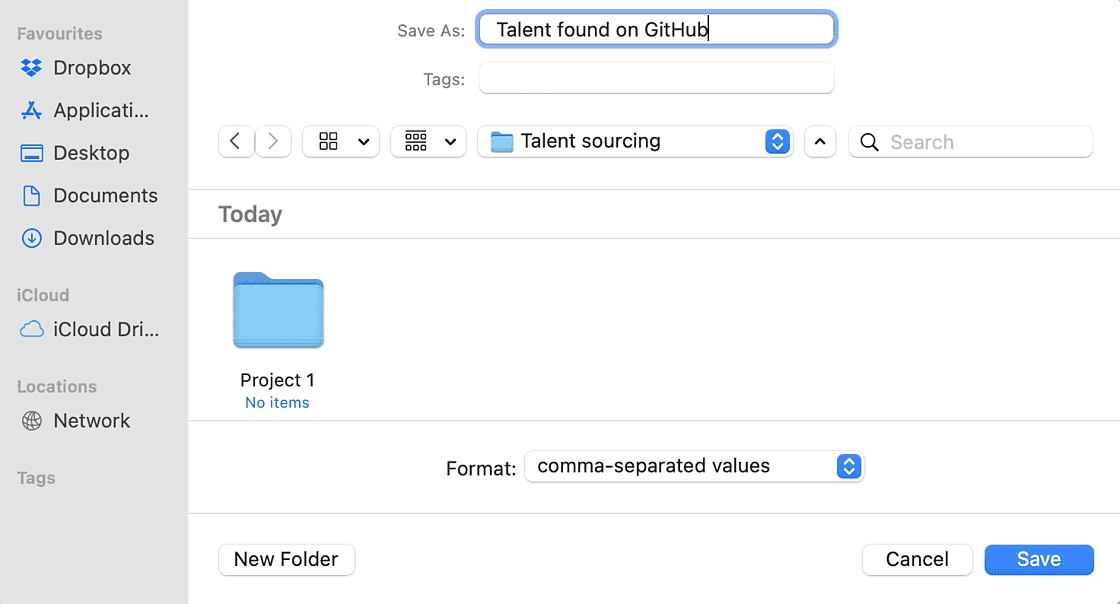
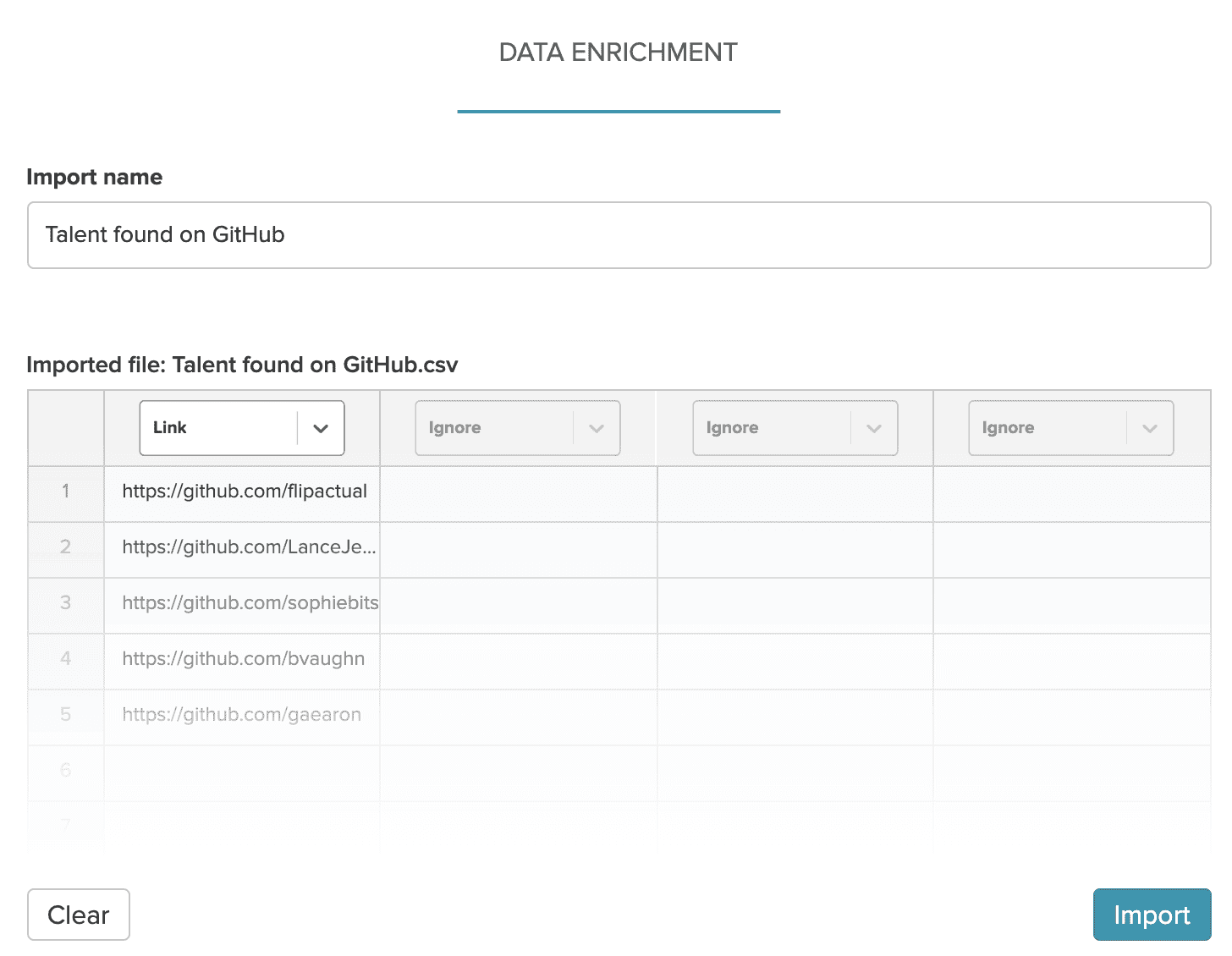
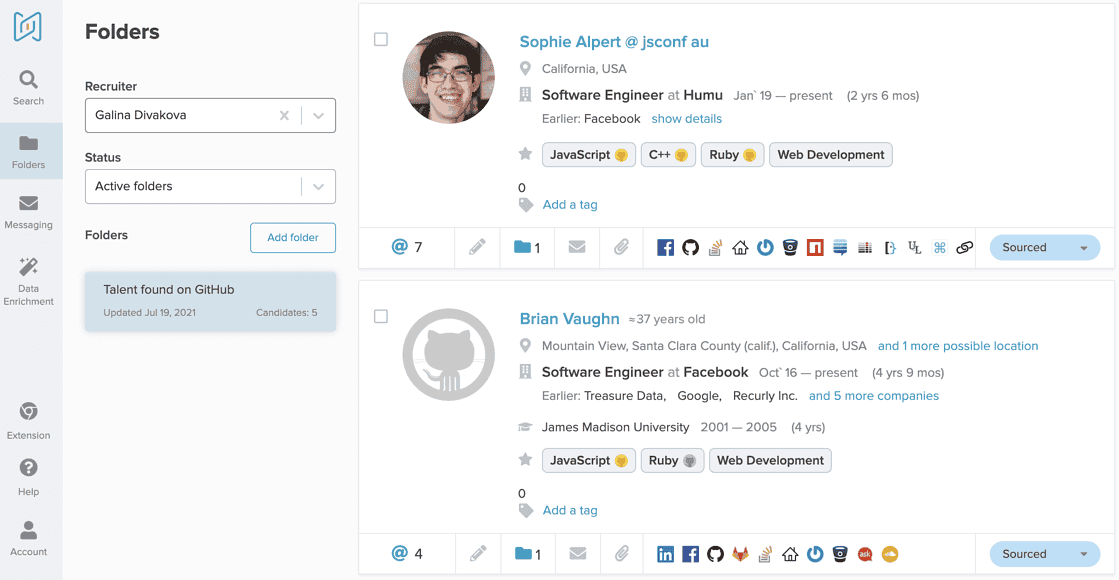
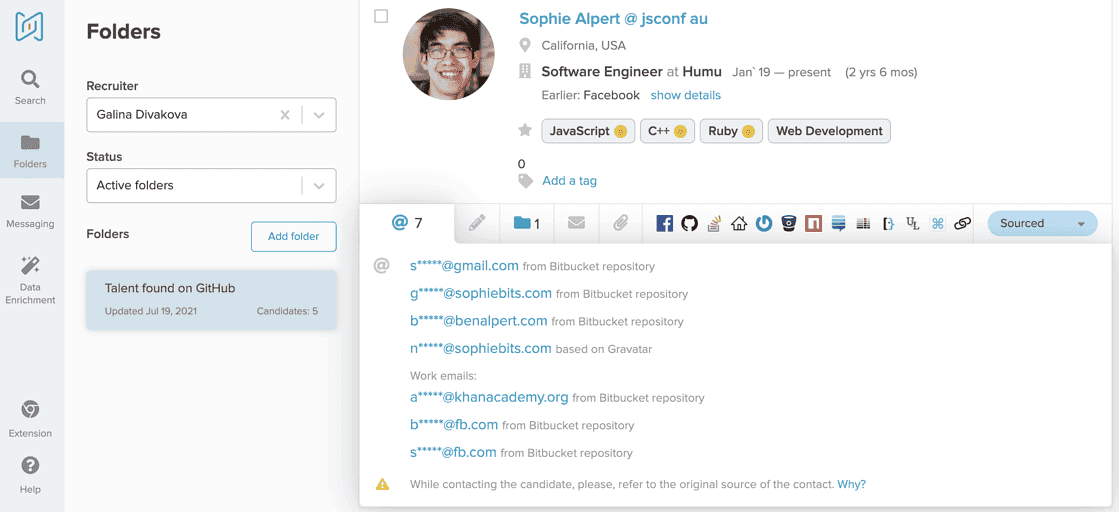
If you’re not an AmazingHiring user yet, please check out how it works by requesting your demo .
Here’s a list of other ways that you can use to source talent on repeat.
Busy HR professionals can benefit hugely from automating large monotonous chunks of their hiring strategy by using our LinkedIn, Sales Navigator and GitHub Phantoms. You can use the use cases outlined in this blog to extract, assemble and ultimately review hiring profiles and data at scale. Save your time for more pressing tasks by automating with PhantomBuster and AmazingHiring.
With OpenAI dominating our newsfeeds and industry trends, the necessity for a more automated sourcing process grows daily. AmazingHiring is bringing special summer updates to ensur…
Read more
This article is written by Eugeniia Filipovich, a Technical Recruiter, Trainer and Manager with more than 6 years of experience who helped scale some of the most robust global tech…
Read more
Technical recruitment is a dynamic industry, where needs and trends are constantly changing. AmazingHiring team has introduced new features to bring even more value to recruiters a…
Read more
Why use Twitter for sourcing? The global talent shortage has never been as dramatic as it has been in the last 16 years. New roles are especially difficult to fill when it comes to…
Read moreContact us at sales@amazinghiring.com